
Short answer: without a signal from the database, a backup has to read every InnoDB table in full just to find out it has not changed. With MySQL (or MariaDB) performance_schema turned on, the database tells Salvo which tables received writes since the last backup, and Salvo skips the rest. We measured it on our own servers for a month: 14,049 checks and not one mistake. The cost is a little memory and one MySQL restart.
Why the backup rereads tables that did not change
An InnoDB table does not say, from the outside, when it was changed. The file date moves even without new writes, and the size almost never changes. Without a reliable signal, the only safe way to back it up is to read the whole table every time, only to learn that it is the same.
On one of our servers we measured Salvo rereading about 1.2 GB a day to store 4 KB of real change. That is disk and backup time spent on data that was already saved.
What performance_schema changes
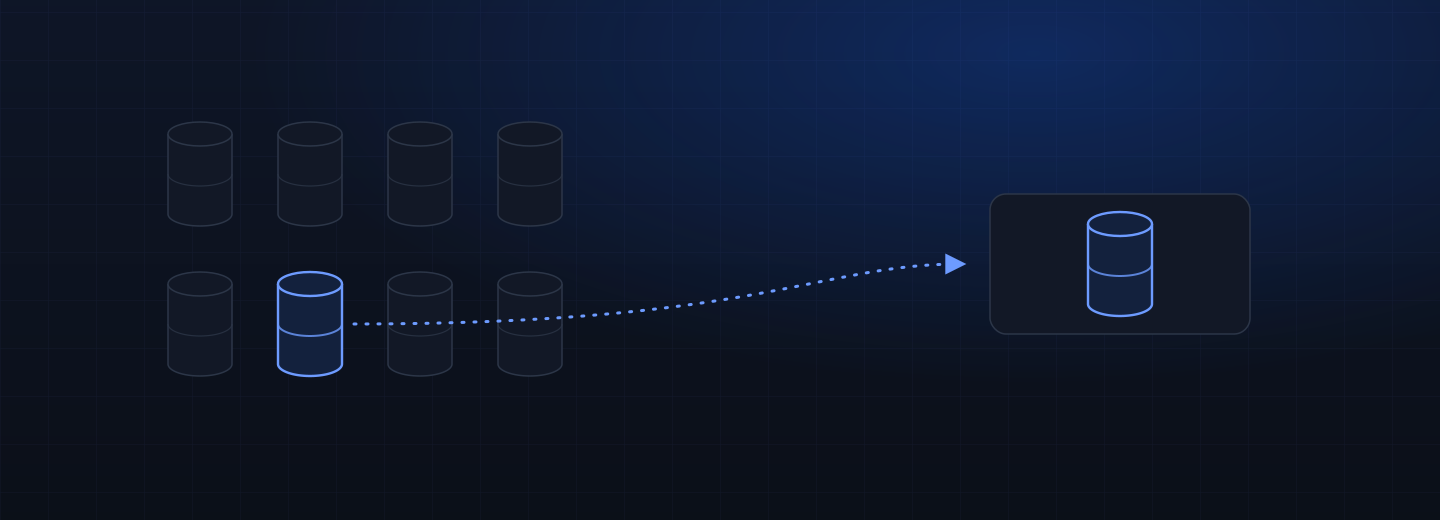
performance_schema is a MySQL feature that counts, per table, the writes made to it. With it on, Salvo asks the database "did this table receive any write since the last backup?" and skips the ones that did not. Tables that changed are read and stored as usual.
With it off, Salvo has no answer and keeps reading everything, to be safe. The backup is just as correct; it only takes longer.
What we measured
Before using this signal to skip anything, we let Salvo only watch, without skipping, from Oct 21 to Nov 23, on 4 of our servers that back up databases. On every backup it noted whether it would have skipped each table and then checked whether the table had really changed.
| Server | Databases | InnoDB tables that would be skipped | Mistakes |
|---|---|---|---|
| A (performance_schema on) | ~14 | 60.2% | 0 |
| B (performance_schema on) | ~226 | 5.6% | 0 |
| C (off) | ~184 | ~0% | 0 |
| D (off) | ~17 | ~0% | 0 |
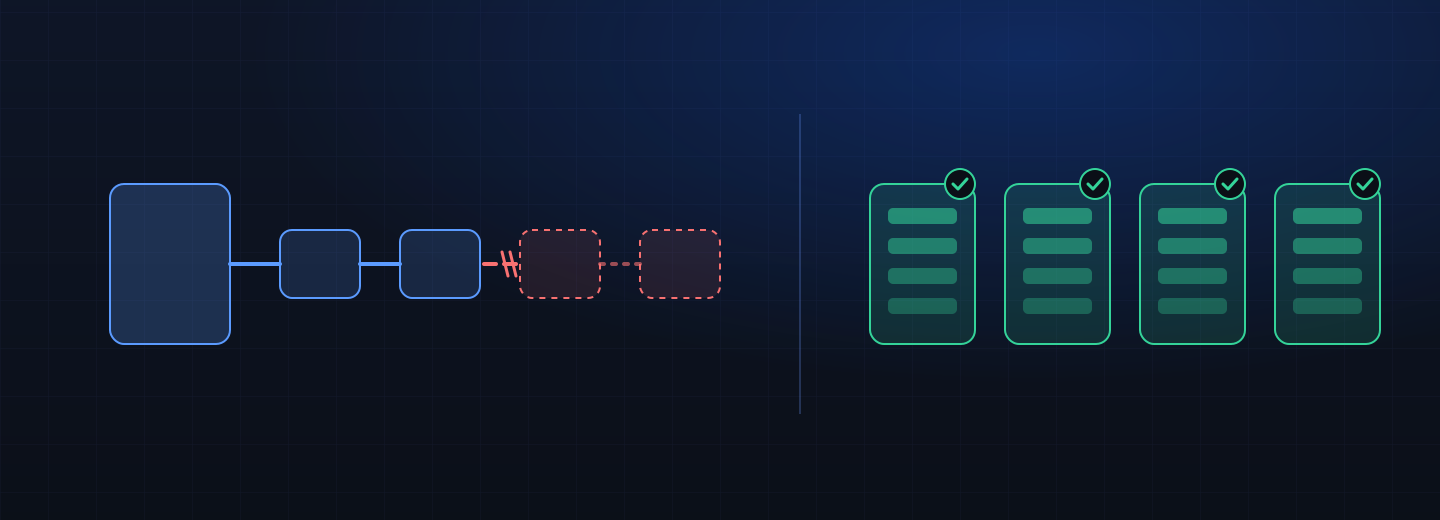
That is 14,049 checks and no case of "unchanged" for a table that had changed. That is what makes skipping safe.
The gain depends on the database: where most tables sit still between backups (like server A), the savings are large; where almost everything changes every day, they are smaller. These numbers are from our servers, not a promise for yours.
What it costs
- A little memory in MySQL, to keep the counters.
- One MySQL restart, because performance_schema is only turned on at startup. Pick a quiet time.
Salvo never changes your database configuration: the decision and the change are yours.
How to turn it on
The step by step for each panel is in the Salvo documentation. After the restart, the next backup already uses the signal, and the suggestion disappears from the panel.
- Without a signal from the database, a backup rereads InnoDB tables that did not change.
- With performance_schema on, Salvo skips the tables that received no writes.
- 14,049 checks on our servers, with no table marked "unchanged" that had changed.
- On one server, 60.2% of InnoDB tables would be skipped.
- Cost: a little memory and one MySQL restart. Without it, the backup stays complete and correct.
Frequently asked questions
What is MySQL performance_schema?
A MySQL and MariaDB feature that records what the database does, including the writes to each table.
Does skipping tables make the backup less safe?
No. A table is only skipped when the database confirms it received no writes; in 14,049 checks the signal never failed. When in doubt, Salvo reads.
Does performance_schema use a lot of memory?
It uses some memory to keep the counters. We have not measured how much on our servers, so we do not give a number.
Do I need to restart MySQL?
Yes, once: performance_schema is only turned on at startup.
Do I have to turn it on?
No. Without it the backup stays complete and correct; it only reads more than it needs.