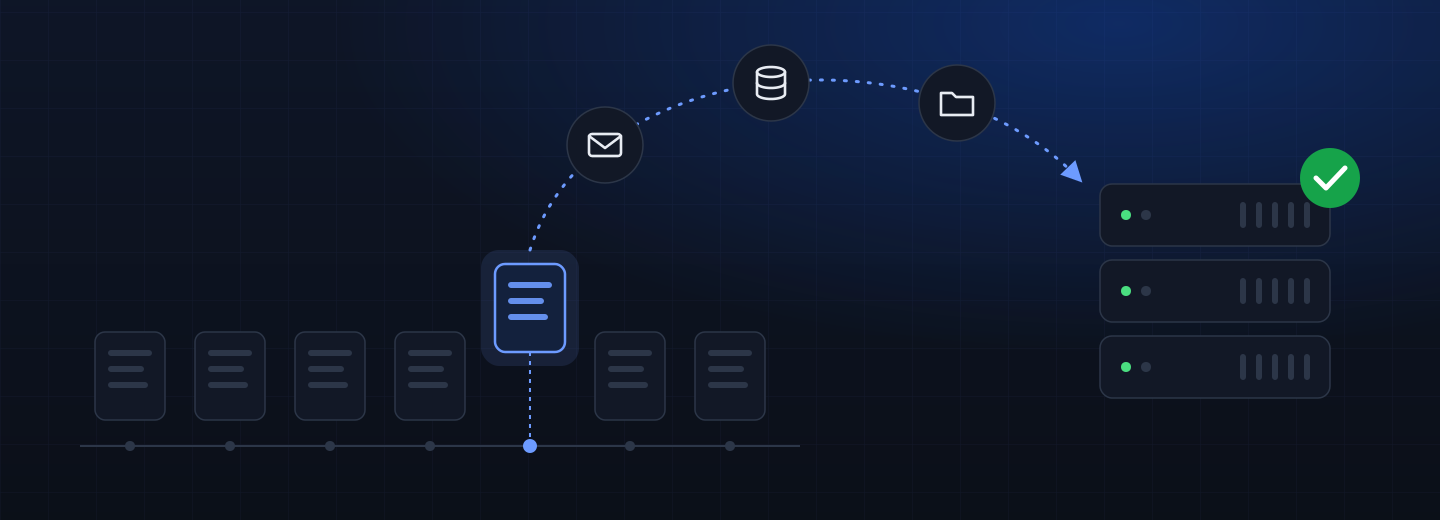
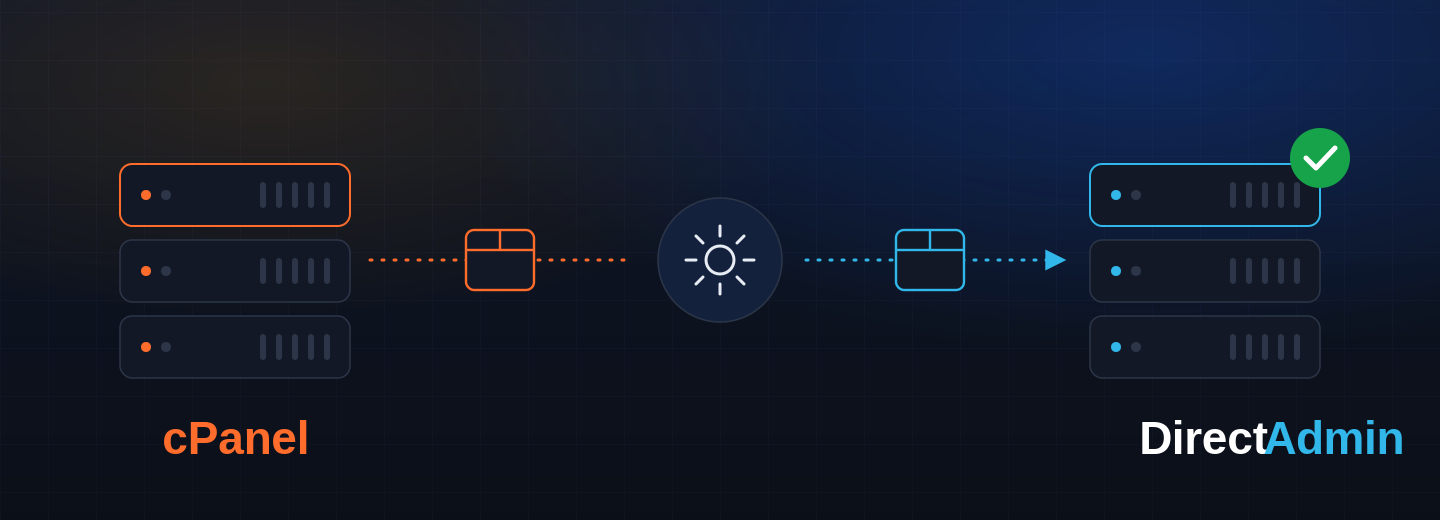
Short answer: the new server runs DirectAdmin, but the backup you have is a cPanel package (cpmove-account.tar.gz). Salvo takes that package, runs it through DirectAdmin's own converter and restores the whole account, then compares every item with the source. In our test, an account with a WordPress store and 17 mailboxes (632 MB) came back on DirectAdmin in 5:14m: all 17 mailbox passwords the same, the email filters that DirectAdmin's converter doesn't carry, the databases with their users, and the WordPress dashboard login working with the old password.
Where changing panels gets stuck
Moving from cPanel to DirectAdmin usually stops at one point: the backups are in cPanel's format and the new server speaks another. Doing it by hand means converting the package, fixing file owners, recreating mailbox after mailbox and finding out at the end that the WordPress database lost its user and the site no longer connects.
What Salvo does
- One button for both formats. In Restore, "Restore from file" takes a cPanel package or a backup from DirectAdmin itself.
- DirectAdmin's official converter, plus what it leaves behind. Salvo does not invent its own conversion: it uses the converter that ships with DirectAdmin and shows its warnings on the screen. The converter doesn't carry the email filters, so Salvo takes them from the cPanel package and puts them on each mailbox (since version 0.6.2).
- New account or over an existing one. Over an existing account, Salvo first saves a full safety copy of the account as it was, and "Undo" brings it back.
- The IP. The cPanel server's IP does not exist on DirectAdmin: the account gets the server's shared IP, or the one the admin picks.
- Nothing written as root. Files come back owned by the account; the mail folders with the mail server's group, the way DirectAdmin expects.
- It checks at the end. Domains, mailboxes, messages, databases and files of the account that came back.
What we measured
A cPanel test account with a WordPress store, 17 mailboxes (26,721 messages), filters, a forwarder, an autoresponder, a cron job, 2 subdomains, 2 databases and a certificate, compared item by item between the source and DirectAdmin:
| Item | Result |
|---|---|
| Time on DirectAdmin, from the file to the checked account | 5:14m (the converter is 3:53m of it) |
| Mailboxes | 17 of 17 |
| Messages | 16 mailboxes exactly the same; the 17th got 1 new email at the source after the package was made |
| Mailbox passwords | 17 of 17 the same |
| Email filters | 7 of 7 mailboxes with the same rules |
| Autoresponder, forwarder, cron, subdomains | the same |
| SSL certificate | the same one (same fingerprint) |
| Databases, users and permissions | 2 of 2, the same; only 2 tables WordPress writes on the first visit differ |
| Site files | 3,868 of 3,870 identical (the 2 .htaccess files lose only the cPanel PHP block) |
| WordPress store | home page, product page and posts open; dashboard login worked with the old password |
| Files owned by root inside the account | none |
Before that, cPanel made the 632 MB package in 1:08m and it was copied to the DirectAdmin server in 36 s.
On the same DirectAdmin server we also restored a 510 MB backup made by DirectAdmin itself, over the account and with the safety copy first, in 43 s. And the other way around: Salvo can download an account in DirectAdmin's own format (523 MB in the test), which DirectAdmin restored in 25 s.
What this test does not cover
- One test account. Bigger accounts take longer; DirectAdmin's converter is the slowest part.
- Mailbox contacts and calendars and webmail preferences were not checked in this test. On DirectAdmin, contacts and calendars don't come back from a backup yet (under study). Salvo warns on the screen before starting.
- The package was copied between the servers by hand. Moving accounts between panels with the old server still online, syncing what changed until the switch, is a separate feature, in testing.
- One button, "Restore from file", takes a cPanel package on DirectAdmin, as a new account or over an existing one with Undo.
- Salvo uses DirectAdmin's own converter and carries what the converter leaves behind: the email filters.
- In the test, a 632 MB account with a WordPress store and 17 mailboxes came back in 5:14m, 3:53m of it in the converter.
- Checked item by item: 17 of 17 mailbox passwords, 7 of 7 mailboxes with the same filters, 2 of 2 databases with their users and permissions.
- Nothing is written as root: no file owned by root inside the account.
What runs today, and what is still coming
- Runs on DirectAdmin (version 0.6): restoring a cPanel package or a DirectAdmin backup from a file, as a new account or over an existing one with Undo, with the email filters carried by Salvo (0.6.2); downloading the account in DirectAdmin's format.
- In testing: moving accounts from cPanel to DirectAdmin on screen, with the old server online and the changes synced until the switch. It is completed in an upcoming milestone.
Frequently asked questions
How do I convert a cPanel backup to DirectAdmin?
With Salvo, you don't convert it by hand. In Restore, "Restore from file" takes the cPanel package, runs it through the converter that ships with DirectAdmin and shows the converter's warnings on the screen. Then Salvo restores the account and checks domains, mailboxes, messages, databases and files.
Can DirectAdmin import a cPanel backup with the emails, filters and mailbox passwords?
DirectAdmin's converter doesn't carry the email filters, so Salvo takes them from the cPanel package and puts them on each mailbox. In our test the 17 mailboxes came back with the same passwords, 16 of them with exactly the same messages (the 17th got 1 new email at the source after the package was made), and the 7 mailboxes with filters kept the same rules.
How to restore a cPanel backup on a new server that runs DirectAdmin?
Take the cPanel package to the DirectAdmin server and use "Restore from file". The account comes back as a new account or over an existing one, with the server's shared IP or the one the admin picks. In our test, a 632 MB account took 5:14m from the file to the checked account.
Does a WordPress site from a cPanel backup work on DirectAdmin?
In our test, it did: the store's home page, product page and posts opened, and the dashboard login worked with the old password. The 2 databases came back with their users and permissions, and 3,868 of 3,870 site files were identical; the 2 .htaccess files lose only the cPanel PHP block.