Short answer: if you run hosting servers, you know the workaround. To copy email more often than the rest, you create a second backup job. For the databases, a third. That is two or three jobs for the same account, more schedules to watch and more space used on the backup storage. In Salvo this becomes one job: each part of the account (email, database, files and configuration) has its own schedule, and each copy writes only what changed. It is the copy of what matters, when it matters, on cPanel and DirectAdmin servers. The feature is called Pace per part and it is in preview.
Backup schedule: why one time of day does not fit the whole account
A hosting account is not one thing. It has four parts, and each one changes at its own pace:
- Email: arrives and leaves all day.
- Database: changes with every order, signup or comment.
- Website files: change when someone publishes, updates a plugin or uploads an image.
- Account configuration (domains, DNS, certificates, FTP accounts): changes once in a while.
A daily backup treats all four the same way: one copy a night, everything together. If the server stops in the late afternoon, the account comes back as it was before dawn, and the day's email is not in the copy.
Two or three backup jobs for the same account: what that costs
The usual way out is to split the work: one job for the accounts at night, another for email during the day, another for the databases. It works, and it has a price:
- More to watch: each job has its own schedule, its own retention and its own alerts.
- More space: when each job keeps its own copy, the same account takes up space on the storage more than once.
- More to remember on restore: which job has the email from this afternoon, and which one has last night's site?
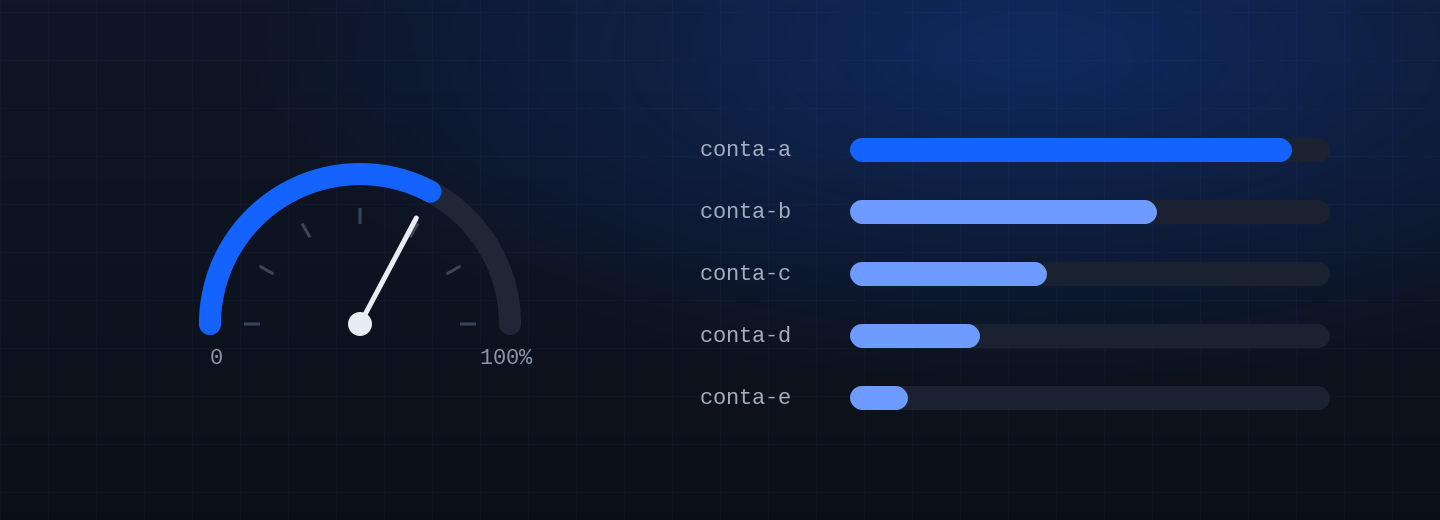
Copying the whole account every hour is the other way out, and it walks through the entire site again, every hour, to keep a few messages.
One schedule for each part, in the same job
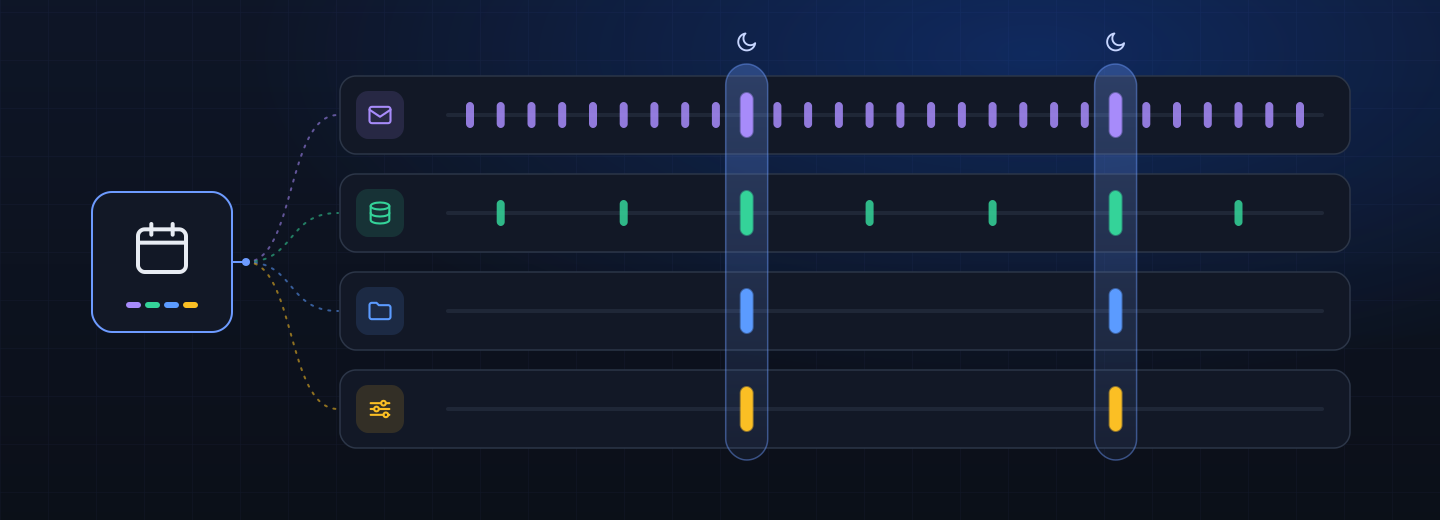
In Salvo's accounts job, each part gets its own schedule. An example:
| What is copied | Example schedule |
|---|---|
| every 30 minutes, during business hours | |
| Everything (email, database, files and configuration) | once a night |
It is a single job, and what you see and restore is still the account. The database can also have its own schedule. Three details that matter day to day:
- Schedules that fall on the same minute become a single run.
- If the email copy finds another run copying the same email, it skips with a note. It does not become an alert.
- A run of only email or only configuration does not touch the website files.
The usual backup, everything together at one time, still exists alongside.
Incremental backup: more copies without writing everything again
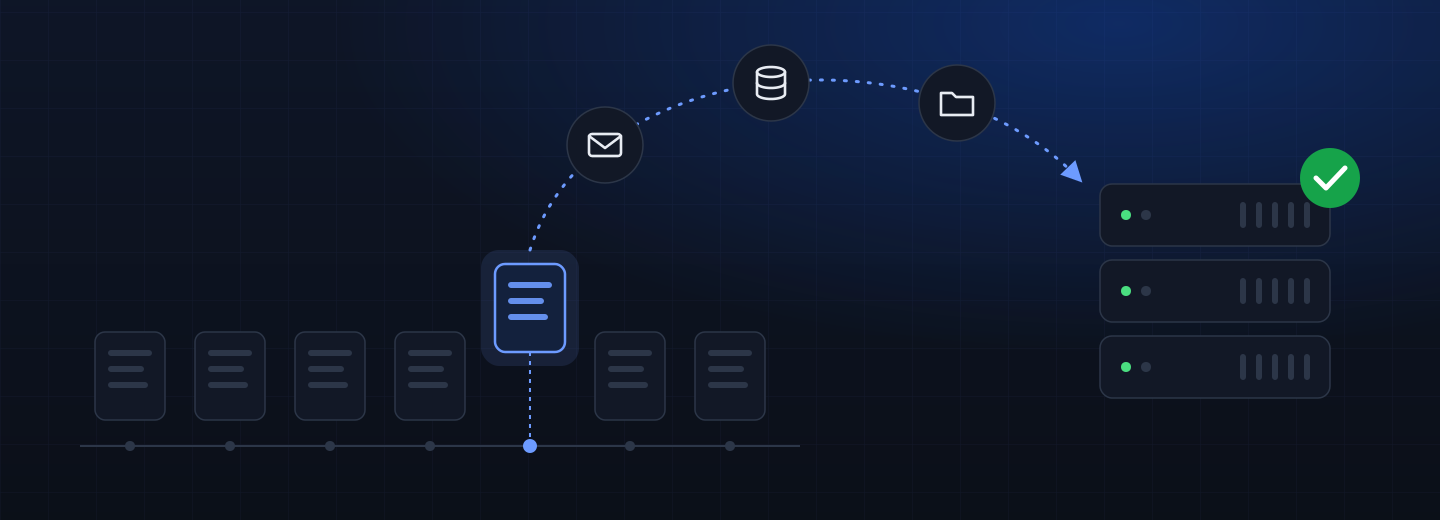
Each copy writes only what changed since the previous copy of that part. Copying email every 30 minutes does not mean storing the whole mailbox every 30 minutes: it means storing the messages that arrived. And a copy made with only the email is not half a backup: Salvo completes that point with the other parts from the most recent copy before it, so every point restores the whole account.
If you already back up with Salvo, you do not write everything again to start using a schedule per part. For the measured numbers, see how much space each account takes in the backup.
How often should each part be backed up?
The useful question is not "how often should a website be backed up", but how much of each part you accept losing. That is the RPO, the recovery point objective. The RTO is the other half: how long the service takes to come back.
In Salvo the RPO has another name, maximum loss target, and each part has its own. It comes from the schedule itself and counts only the time inside the schedule's window: if email is copied during business hours, the night without a copy does not become an alert. When a part goes past its target, the Dashboard shows it and Salvo warns you.
Backup frequency and retention: each schedule keeps its own points
Each schedule has its own retention, by number of points or by days. So you can keep many recent points of the email and fewer, older points of the whole account, without one retention pushing the other.
On restore, each part from the point you choose
When restoring the whole account, the "From when" step has three modes:
| Mode | What comes back |
|---|---|
| Latest of each part | each part comes from its last point |
| All from the same moment | only the points where files and database were copied together: the site comes back consistent |
| Pick the point of each part | one point per part: the email from one time, the database from another |
If files and database come from different times, the screen warns that the site may not open with that combination. Email and configuration can come from another time without a problem.
cPanel and DirectAdmin, the same way
The screens and the job are the same on both panels, and the feature was tested on both: a cPanel server and a DirectAdmin server.
An invitation: it is in preview
Pace per part is in preview: the screens are in the "Pace per part (preview)" menu, and the tests so far used test accounts, one on each panel. If today you keep two or three jobs for the same account, this was made for you.
- One time of day does not fit the whole account: email, database, files and configuration change at different paces.
- Two or three jobs for the same account mean more schedules to watch and, when each job keeps its own copy, more space used.
- In Salvo it is one job: each part has its own schedule and its own retention, on cPanel and DirectAdmin.
- Each copy writes only what changed, and every point restores the whole account.
- On restore, each part can come from a different point, and the screen warns when files and database are not from the same moment.
- The feature is in preview.
Frequently asked questions
How do I set a backup schedule on cPanel or DirectAdmin with Salvo?
The schedule lives in the job. In an accounts job, each part of the account (email, database, files and configuration) can have its own schedule: for example, email every 30 minutes during business hours and everything once a night.
Does Salvo do incremental backup on cPanel and DirectAdmin?
Yes. Each copy writes only what changed since the previous one, and every point restores the whole account.
Incremental vs differential backup: what is the difference?
An incremental backup stores what changed since the last backup; a differential one stores what changed since the last full backup. In Salvo you do not choose between them: each copy writes only what changed, and every point restores the whole account.
Do I need a separate job to back up email more often?
No. In the accounts job, email has its own schedule, and a run of only email does not touch the website files.
How often should a website be backed up?
It depends on the part. Files and database can be copied together once a night, so the site comes back consistent, and the email of the same account, every 30 minutes.
What are RPO and RTO in backup?
RPO is how much data you accept losing, in time: the interval between copies. RTO is how long the restore takes. In Salvo, the RPO of each part shows up as the maximum loss target.
Is it continuous or real-time backup?
No. It is backup on a schedule, with short intervals, such as 30 minutes, for the part that changes the most.
Do more copies take more space in the backup?
Each copy writes only what changed since the previous one, so copying a part more often does not store it whole each time.
Can I use Pace per part already?
It is in preview, in its own menu. The tests so far used test accounts, one on each panel.