Short answer: almost every MySQL backup on a hosting server does the same thing every night: it copies each database in full again, even when little changed since yesterday. That costs time, fills the storage and loads the server's disk while the sites are live. Salvo copies each table into its own file and reads again only what changed; once a week it copies everything and checks, byte by byte, that what it skipped really was the same. On the same server and the same storage, the databases JetBackup took 5:53m to copy came out in 3:51m, and the largest one, 6.4 GB, in 47 s. And if your cPanel uses a remote MySQL server (a MySQL node), Salvo backs up the databases on both servers with a single installation, on the cPanel server: nothing on the node.
The database backup almost everyone runs
If your server hosts online stores, WordPress sites or business systems, it has MySQL databases. In most tools, their backup works like this: every night, a tool called mysqldump reads the whole database and writes one file with everything in it. The next night, again. And again.
It works, which is why everyone does it. But it has three costs almost nobody measures:
- Time. A 6 GB database takes as long to copy today as it will tomorrow, whether one row changed or a million.
- The site waits. On MyISAM tables, still common in stores and older systems, a consistent copy needs the table locked: anyone trying to write to it (an order, a sign-up) waits for the copy to finish. On large databases, that is minutes.
- The server's disk. Reading and sending everything again, every night, is work for the same disk that serves the sites.
How much a database changes overnight
It depends. There are many kinds of databases, and every business is different: a store selling all day, a blog that posts once a week and a system that writes every minute change in very different ways. Nobody can say that every database changes little.
What we can say is what we saw in the databases we measured: in them, most tables had not changed from one backup to the next, and that is where copying everything again costs the most. If a lot changes on your server, Salvo copies what changed, and the gap to a full copy gets smaller.
How Salvo copies databases
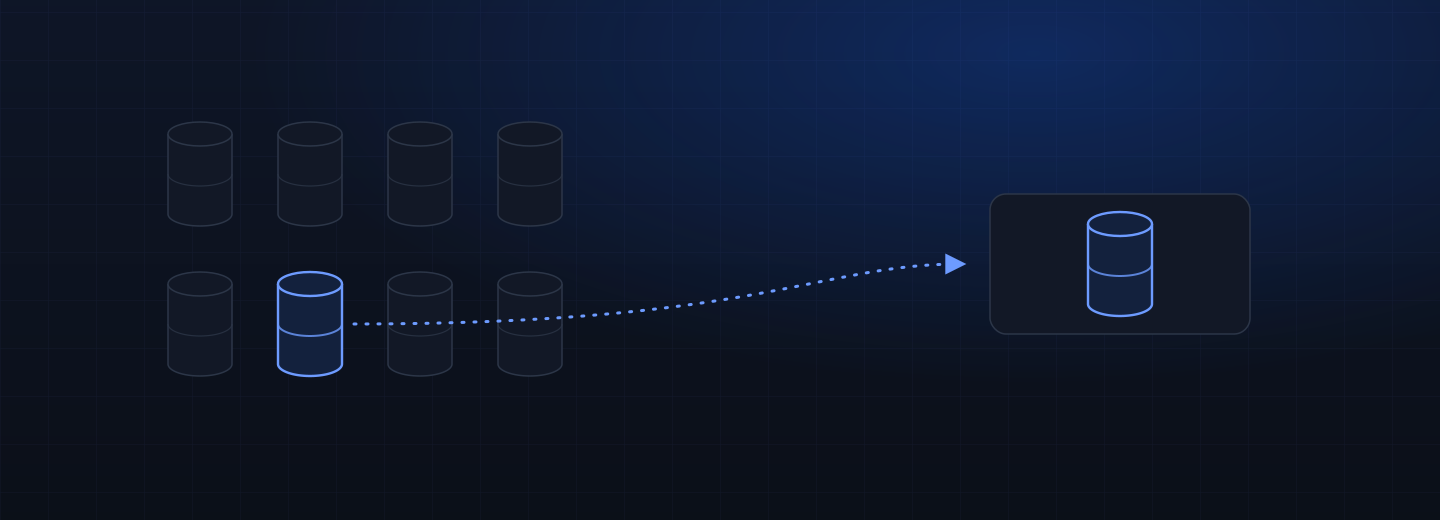
- One table per file. Each table becomes its own file inside the backup. That lets you restore a single table (say, only the
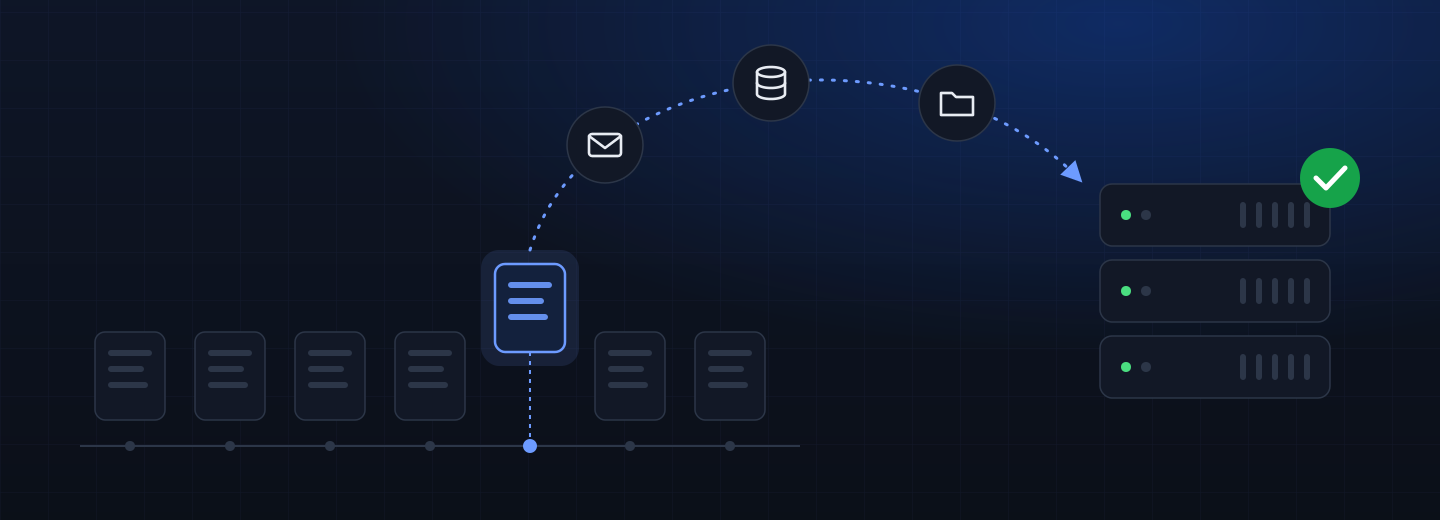
wp_optionsof a broken WordPress) and know exactly what changed. - Only what changed. Before copying a MyISAM table, Salvo checks its signature: last change, number of rows, size and checksum. If nothing changed, the table is not even read: the new backup points to the copy already on the storage and is still complete. InnoDB tables (WordPress's default) always go out, without locking anything.
- Every week, the proof. Once a week (you can change it), Salvo copies everything and compares, byte by byte, with what it would have reused. On a server of online stores, 13,157 tables were compared: not one difference. If a table ever comes out different, it leaves the reuse for good and Salvo warns you.
- No locking the site, with a check. A MyISAM table that is not changing is copied without a lock, and Salvo checks its signature before and after. If it changed midway, that copy doesn't count and is redone with a short lock on that table only. On the 6.4 GB database, the longest wait to write dropped from minutes to 0.2 s.
- Straight to the storage. The copy goes from MySQL straight to the destination, without writing a temporary file to the server's disk.
All of this is set up on screen, once:
JetBackup × Salvo: what we measured
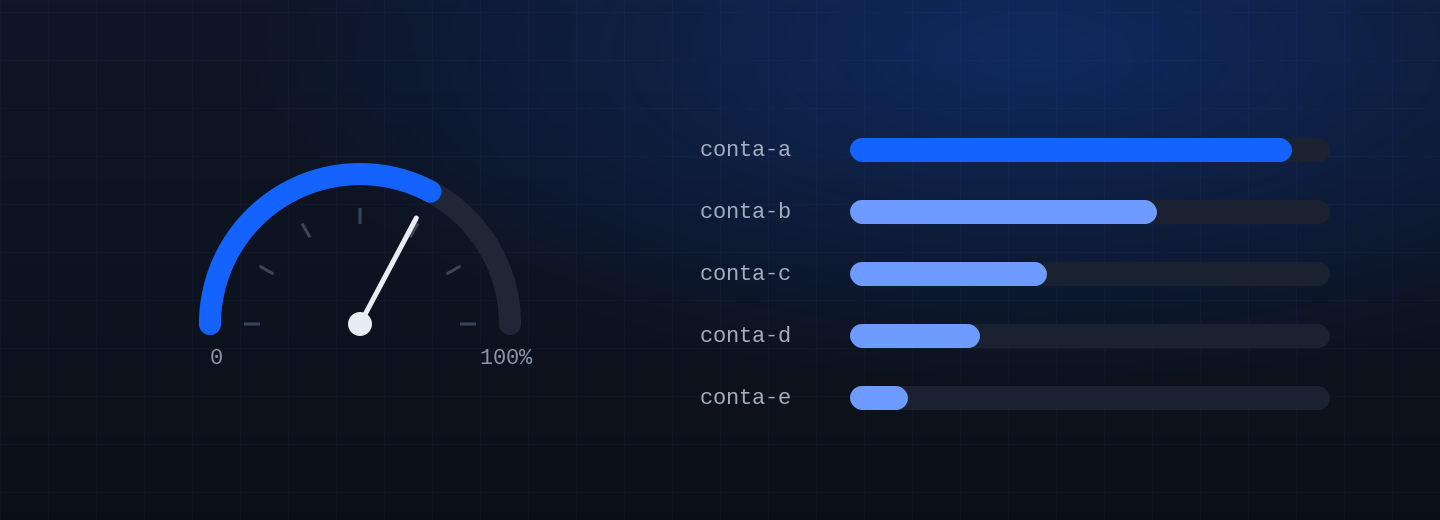
We compared them on the same production server, the same storage and the same 17 databases (7.6 GB per copy). JetBackup ran the nightly backup with the settings that server already used, for four nights. Salvo ran with reuse turned on; in a later run, with two more fixes, it went down to 3:26m.
One difference the charts don't show: with that server's settings, JetBackup doesn't lock MyISAM tables either, but it doesn't check the copy. If a table changes midway, the backup comes out inconsistent and nobody finds out. During the tests, a real table changed in the middle of a copy: Salvo caught it because it checks.
The backup, running
cPanel remote MySQL server (MySQL node): the databases your backup doesn't see
cPanel & WHM can keep databases on a separate MySQL server, often called a MySQL node. You set it up in WHM under Manage MySQL® Profiles (named Manage Database Profiles from version 120 on). The node can be another cPanel & WHM server, a dedicated MySQL or MariaDB server, or Amazon RDS.
cPanel's own documentation points out the catch: the active profile decides where new databases are created, and switching profiles does not move the existing ones. Over time the server ends up with databases in two places: some on the local MySQL, some only on the node, and some not tied to any cPanel account.
That is where database backups go wrong. A tool that backs up MySQL account by account looks for each database in one place only. Whatever lives on the other server is left out: sometimes with an error every night, sometimes silently.
On a cPanel & WHM server of online stores with a MySQL node, JetBackup 5, with the settings it was already running, backed up 188 of the 340 databases. It failed on 25 every night, looking on the local MySQL for databases that live on the node. The others had no copy at all.
How Salvo backs up the cPanel MySQL node
- It reads WHM's own profiles. Salvo finds the MySQL servers registered in Manage MySQL® Profiles by itself and uses the same access. The password stays in WHM: Salvo doesn't store it or show it.
- One installation solves it. Salvo is installed only on the cPanel server; on the MySQL node the admin installs nothing and configures nothing. The copy goes over the network, one database at a time, so it doesn't weigh on that MySQL: at most 2 queries at once in our test. The 69 databases that existed only on the node, and had never been backed up, got their first copy that way.
- One screen for every MySQL server. Database servers shows where each database lives (only on the node, only on the main server, or on both), its size and which backup covers it. A database with no backup shows up at the top and on the dashboard.
- One job per MySQL server, with the same storage, schedule and run history as every other backup. Databases created later join on their own.
- Restore to the node or to the main server. A database copied from the node goes back to it or to the main server, checked table by table. We tested all four directions.
A backup only counts if it comes back
The 6.4 GB database, restored from a backup that reused 54 of its 56 MyISAM tables from earlier copies, came back with all 94 tables and 36.3 million rows exactly as in the backup.
- Almost every MySQL backup on a hosting server copies each database in full every night, whether one row changed or a million.
- Salvo copies each table into its own file and reads again only what changed; a MyISAM table that did not change is not even read.
- Once a week Salvo copies everything and compares byte by byte: 13,157 tables compared, not one difference.
- Same production server, same storage, same 17 databases: 5:53m with JetBackup, 3:51m with Salvo.
- With a cPanel MySQL node, a single installation, on the cPanel server, backs up the databases on both servers: nothing on the node.
Frequently asked questions
How much time does a database backup take on a cPanel & WHM server?
It depends on the server and on how much changed since the last backup. On the production server we measured, with the same storage and the same 17 databases (7.6 GB per copy), JetBackup took 5:53m and Salvo 3:51m; the largest database, 6.4 GB, came out in 47 s.
Is there an incremental backup for MySQL databases on cPanel?
With Salvo, yes. Each table becomes its own file, and a MyISAM table that did not change is not even read: the new backup points to the copy already on the storage and is still complete. InnoDB tables always go out, without locking anything, and once a week Salvo copies everything and compares, byte by byte, with what it would have reused.
Why is the backup not working for the databases on my cPanel MySQL node?
A tool that backs up MySQL account by account looks for each database in one place only, so whatever lives on the other server is left out, sometimes with an error every night, sometimes silently. Salvo reads the MySQL servers registered in WHM and backs up the databases on both, installed only on the cPanel server.
Can I restore a single table from the backup of a WordPress database on cPanel?
Yes. Because each table is its own file inside the backup, you can bring back only the wp_options of a broken WordPress, into a new database next to the original or just to test, and Salvo checks the rows of every table.
Sources: Lab 25: Does the MySQL backup lock the site? · Lab 26: Hundreds of MySQL databases, the server and the node · Lab 22: Restore only the table that broke