Short answer: with version 0.7, Salvo sends backups to S3-compatible storage (tested on Backblaze B2, Wasabi, MEGA S4 and Silo, MinIO-compatible) and keeps the same backup in two places, the 3-2-1 rule. The second copy does not make your server read the sites twice, Object Lock keeps anyone from deleting it before its time, and the 3-2-1-1-0 rule shows what is still missing. We sent 213 GB of backup to an S3 storage on another continent this way. And if the server is lost, a new Salvo recovers everything it knew from the cloud, with the recovery key, in 5.4 s.
Why this is a milestone
A backup on the same server, or in the same datacenter, does not survive the bad day: a failed disk, a deleted VM, a datacenter down. The safe copy lives somewhere else. That is what 0.7 brings: the backup leaves the building, and it can live in two places at once.
Backup to S3: what Salvo does
- S3-compatible destinations, tested on Backblaze B2, Wasabi, MEGA S4 and Silo (MinIO-compatible), with an assistant that tests each step and explains what failed. A destination that is down answers within 15 s.
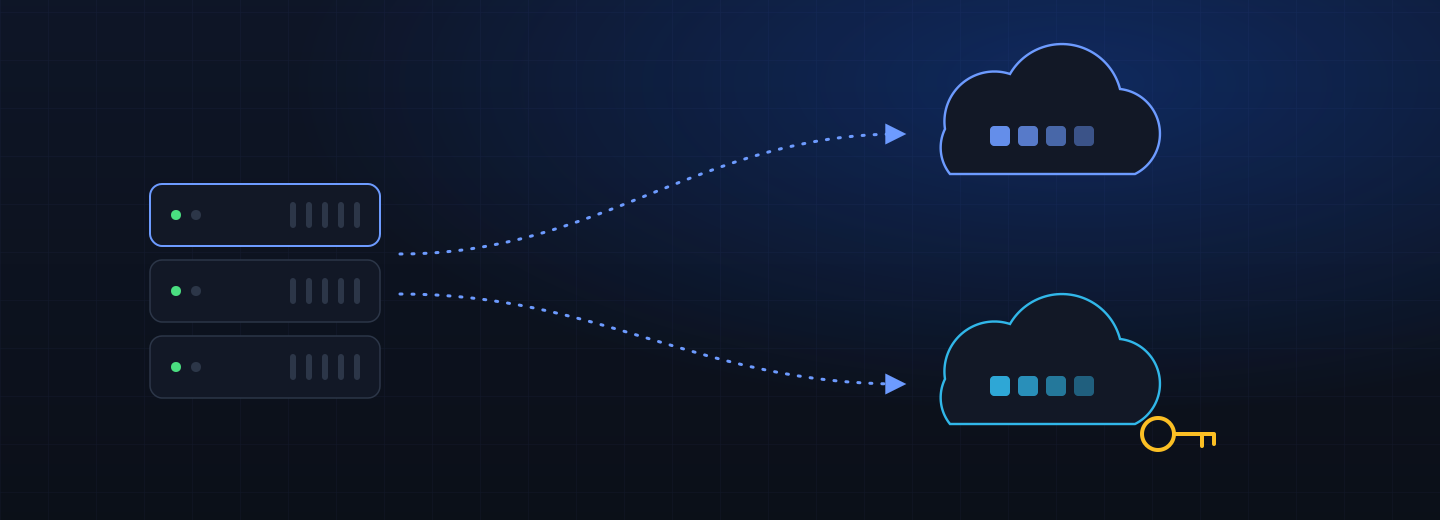
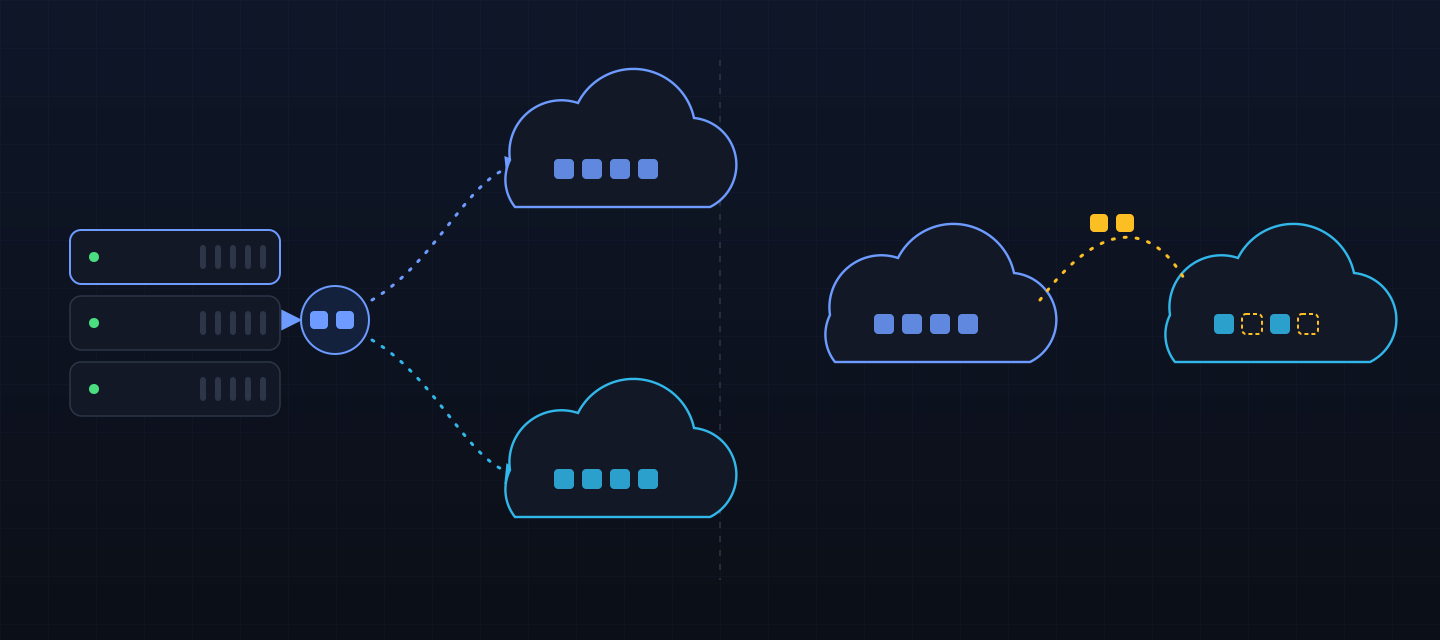
- Backup in two places (3-2-1): a live mirror, which reads the site once and sends each block to both destinations, or a replica, which copies from one destination to the other without reading the server's sites again.
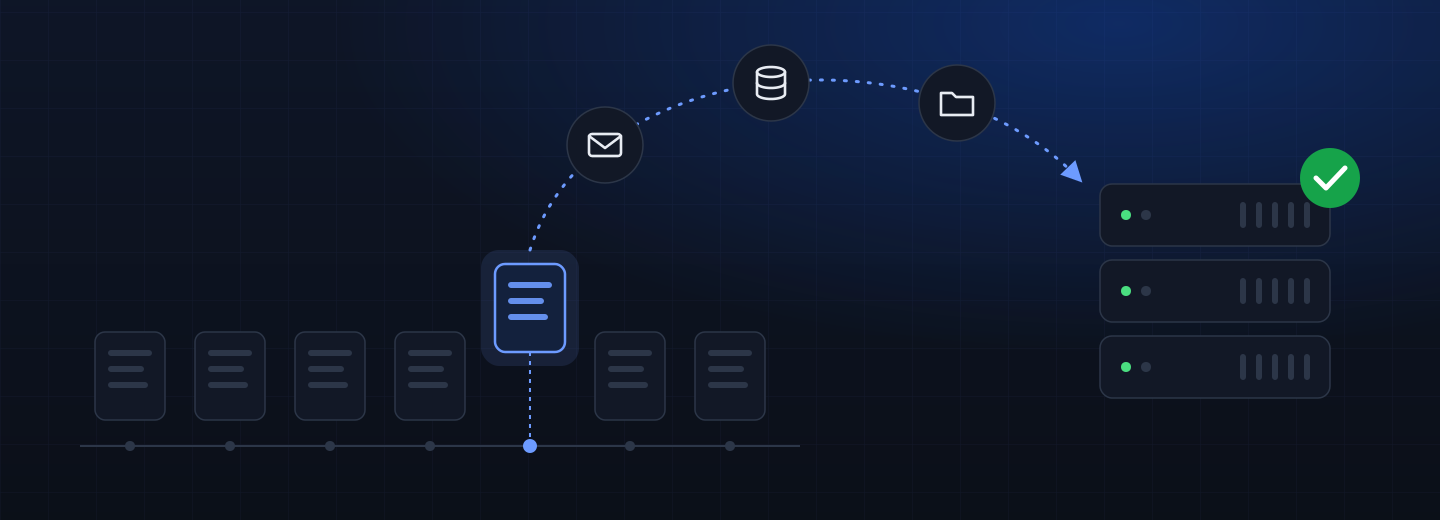
- Recover the server from the cloud: a new Salvo, with the recovery key, brings back the jobs, the destinations and the history from the copy in the cloud.
- Destination lock: two servers do not write to the same destination by mistake.
The replica: the second copy without getting in the way
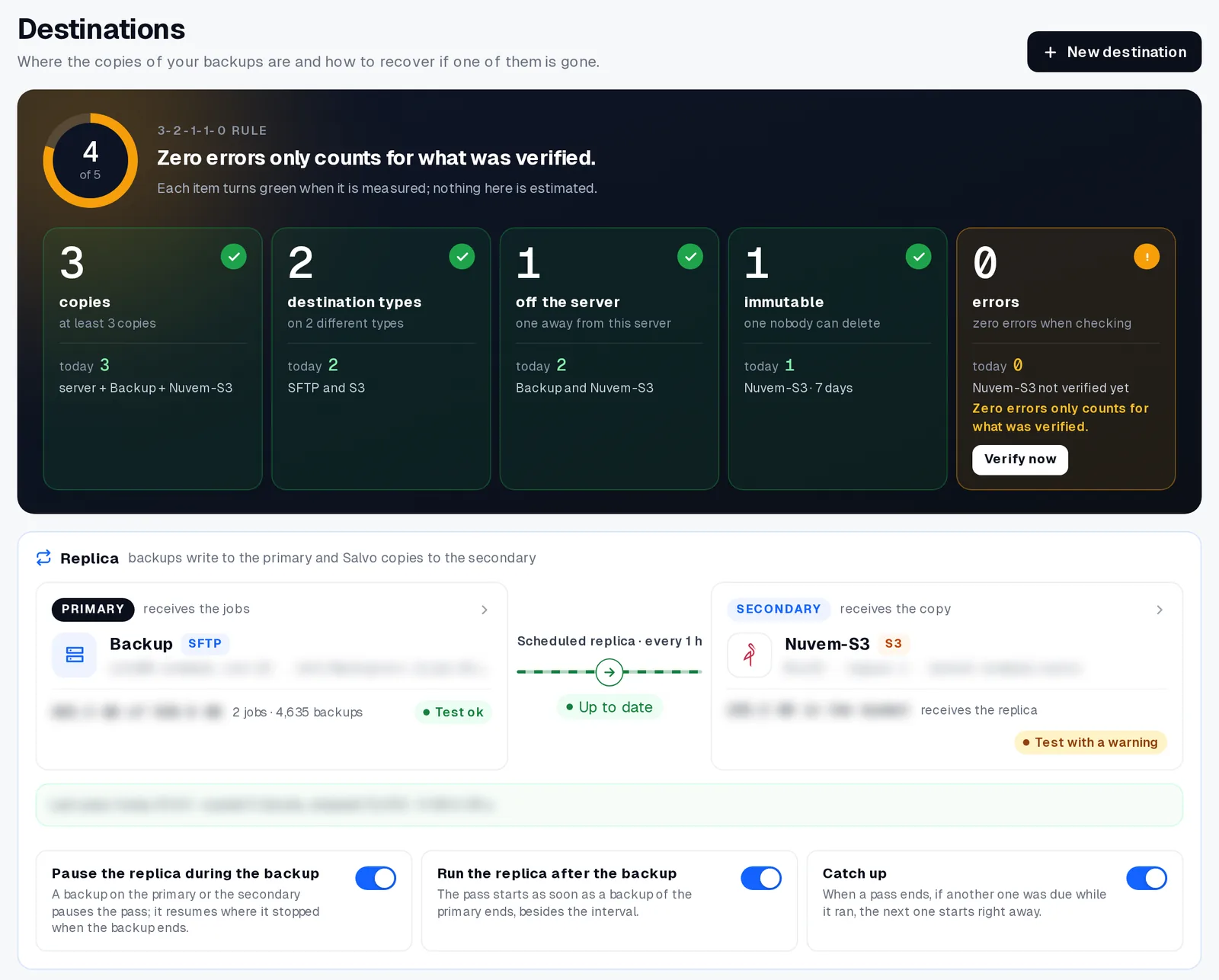
The replica has three options, on by default: pause during the backup and resume where it stopped, run right after the backup, and catch up when the schedule came due while it was running. The "Replicating" badge opens the copy's progress, as in Runs.
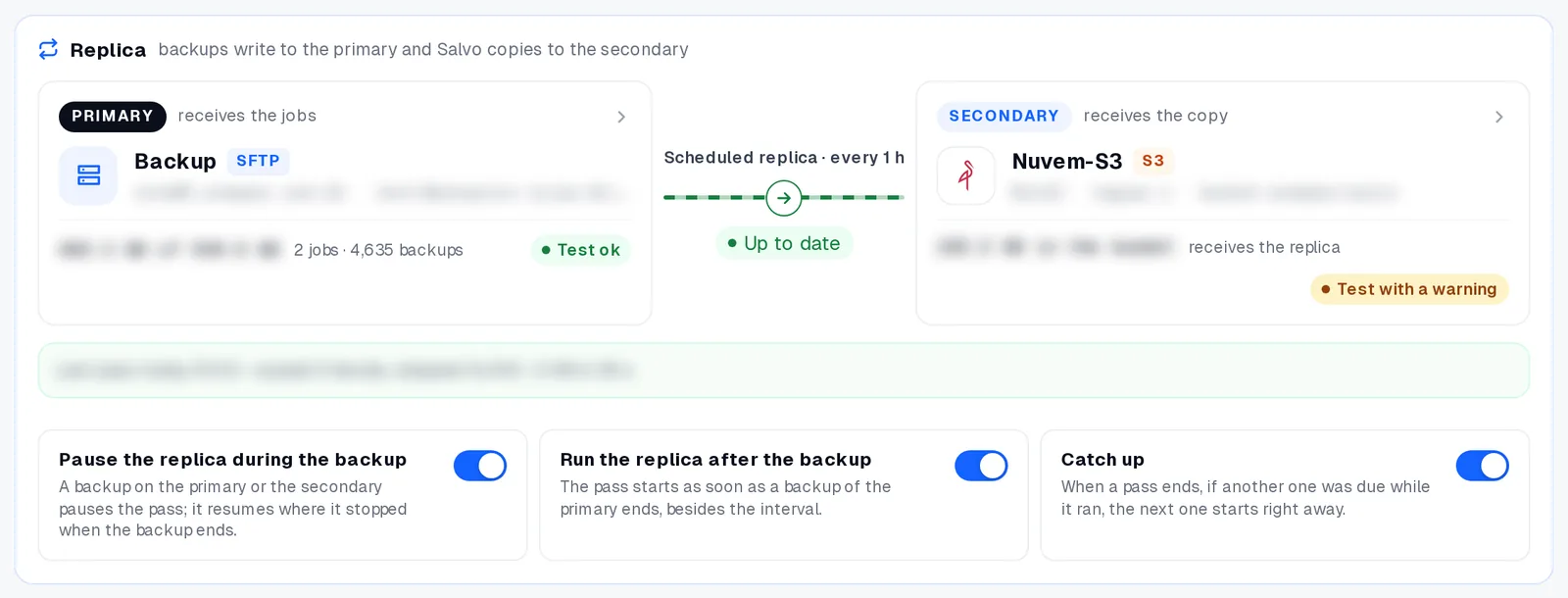
In a production cPanel server, the replica took 213 GB of backup to an S3 storage on another continent. After the first full copy, only what changes goes to the second destination.
Object Lock: the copy nobody deletes
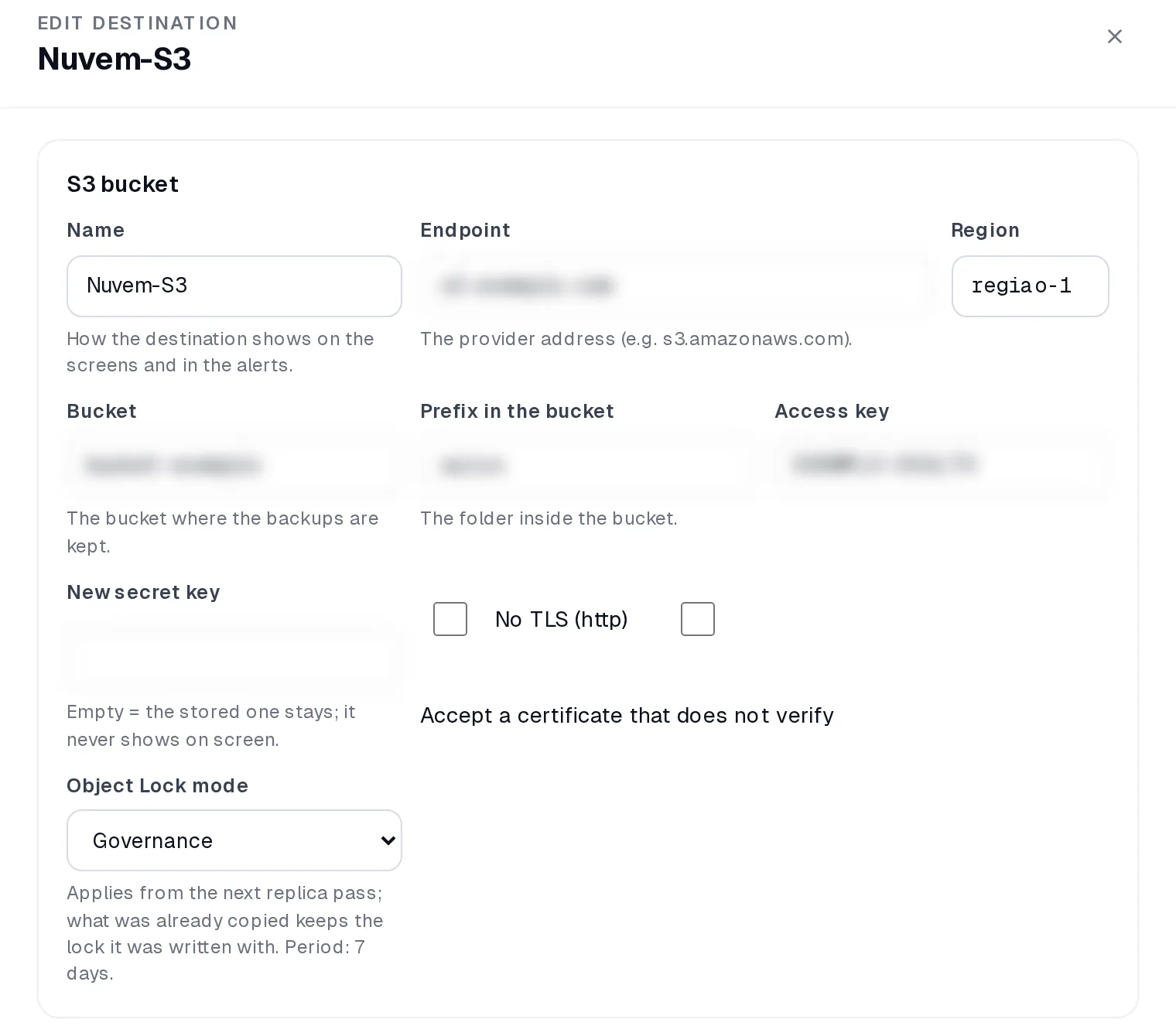
On the second destination, Object Lock locks each copy for the period you set. You choose the mode, GOVERNANCE or COMPLIANCE, when editing the destination. If the storage refuses the mode, the message says what to check.
The 3-2-1-1-0 rule, measured
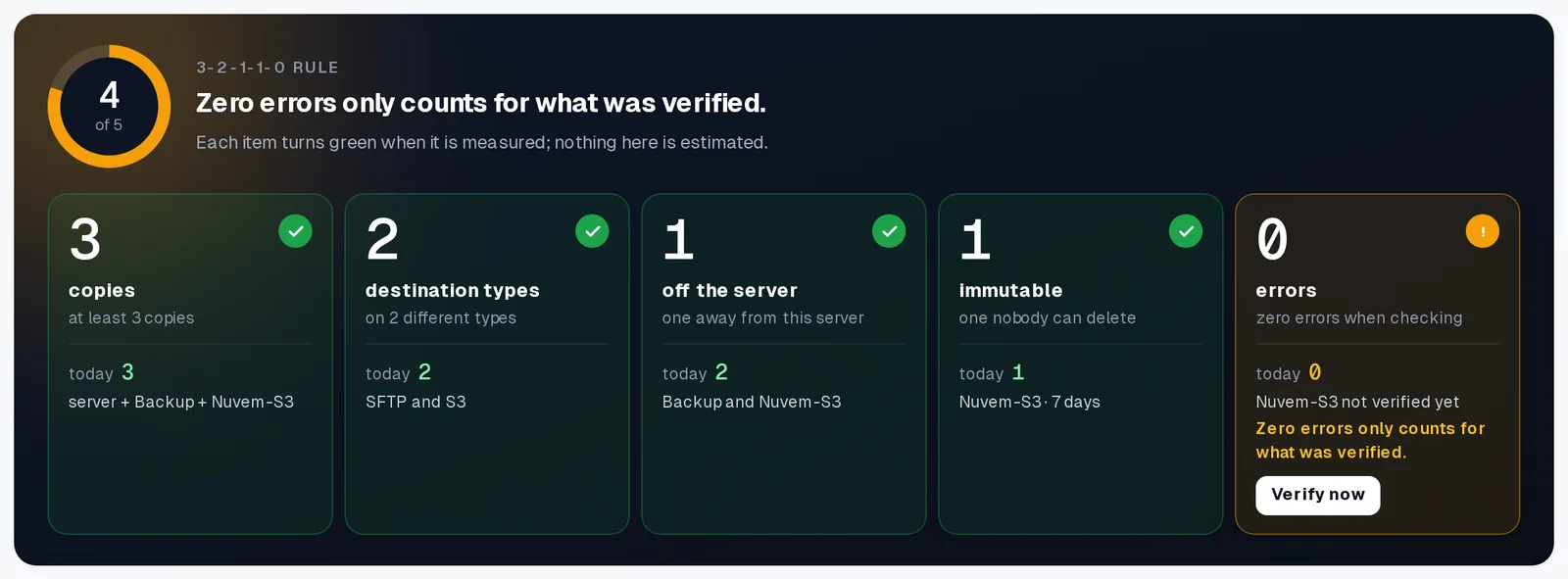
Three copies, two media, one offsite, one immutable and zero errors. Salvo measures each item instead of deducing it from the configuration: the second destination only counts after the first full copy, and "0 errors" only shows when every copy has been checked. The copy on the second destination is checked every night; if a defect shows up, a button copies again only the damaged parts. Each item in warning brings the action that fixes it, such as "Check now" or "Replicate now".
What we measured: two places without reading twice
In Lab 30 (a synthetic 1 GB account, on a small support machine, Backblaze B2 as the first destination and Wasabi as the second):
| One destination | Two destinations, live mirror | |
|---|---|---|
| Files read from the server | 4,060 | 4,060 (the same) |
| Bytes read from the disk | 976 MB | 976 MB (the same) |
| CPU (compress and encrypt) | 10.4 s | 13.5 s (+30%) |
| Sent to each destination | 560 MB | 560 MB to each |
| Wall time | 52.8 s | 2:06m |
The clock goes up because the same 560 MB travel twice over the server's internet: that second upload cannot be avoided. What the mirror saves is the expensive part on a busy hosting server: reading the disk again and encrypting again.
And keeping the second destination up to date costs little: after changing about 1% of the account, the replica sent 12 MB instead of 560 MB, in 5.7 s. Blocks that are already there are never copied again.
The disaster drill: the server is gone
In Lab 31 we treated a cPanel production server as lost. With only the copy on the S3 provider and the recovery key, in a separate folder with a brand new Salvo:
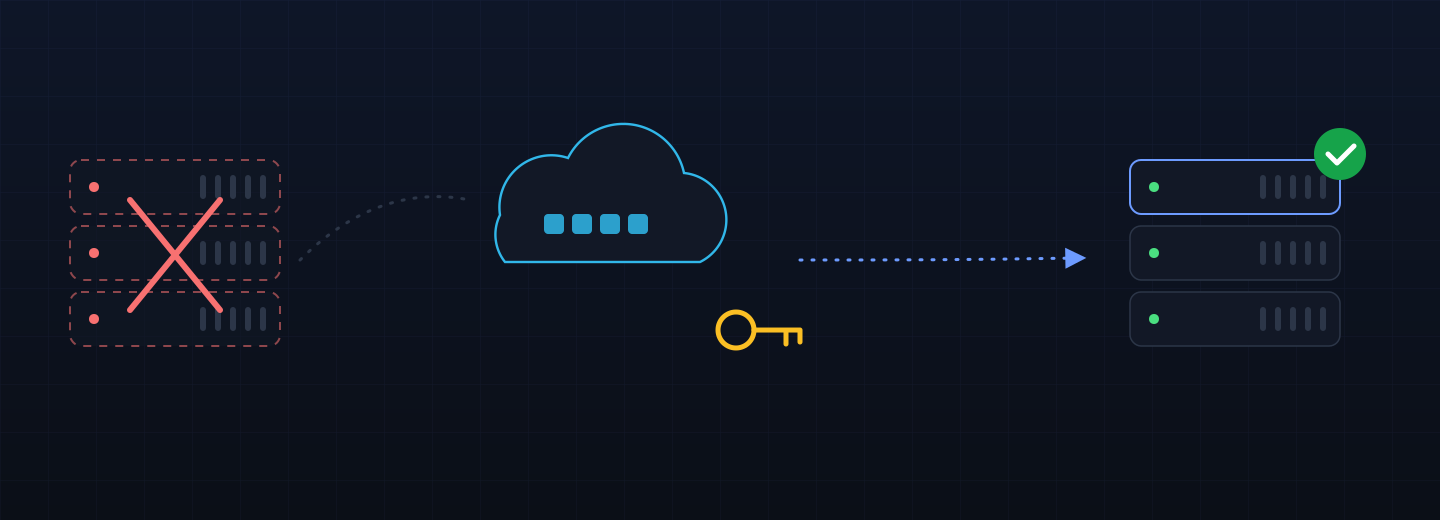
- the server's state (3 jobs and 789 backups, up to the last one) came back in 5.4 s;
- the destinations came back read-only, so a recovered server cannot write over the backup before the admin decides;
- the account exported from the cloud was identical to the last backup, except for 3 files changed after it.
Without the recovery key, the copy in the cloud does not open. That protects the backup from whoever steals access to the provider, and it is why the key must be kept outside the server.
What this test does not cover
- Lab 30 used a synthetic account on a small machine; wall times depend a lot on the link and the disk. The structural numbers are the ones that hold: the source read once, almost the same CPU, and the replica moving only what changed.
- The backup leaves the building: S3-compatible destinations, tested on B2, Wasabi, MEGA S4 and Silo (MinIO-compatible).
- Two places without reading twice: the second destination costs 30% of CPU, not a second read of the sites.
- If the server is lost, the jobs, destinations and history come back from the cloud in 5.4 s, with the recovery key.
What runs today
- Runs (version 0.7): S3-compatible destinations tested on B2, Wasabi, MEGA S4 and Silo, backup in two places, the replica with its three options, Object Lock with the mode of your choice, the 3-2-1-1-0 rule measured with the nightly check of the second copy, recovering the server from the cloud, and the destination lock.
Frequently asked questions
Do I need two providers for the 3-2-1 rule?
The rule asks for a copy outside the building. In Lab 30 the two destinations were two different providers, Backblaze B2 and Wasabi, in different regions: if one has a problem, the other still has the backup.
Does the second destination make the backup slower?
On the server's disk and CPU, almost nothing: the sites are read once and the CPU went up 30%. The clock does go up, because the same data is uploaded twice over the server's internet: in the test, from 52.8 s to 2:06m.
What if I lose the recovery key?
Without the key, the copy in the cloud does not open. That is what protects the backup from whoever steals access to the provider, so keep the key outside the server, in a password vault for example.
Does the replica slow down the night backup?
The "pause the replica during the backup" option, on by default, stops the replica while the backup runs and resumes where it stopped.
Does the replica work on DirectAdmin?
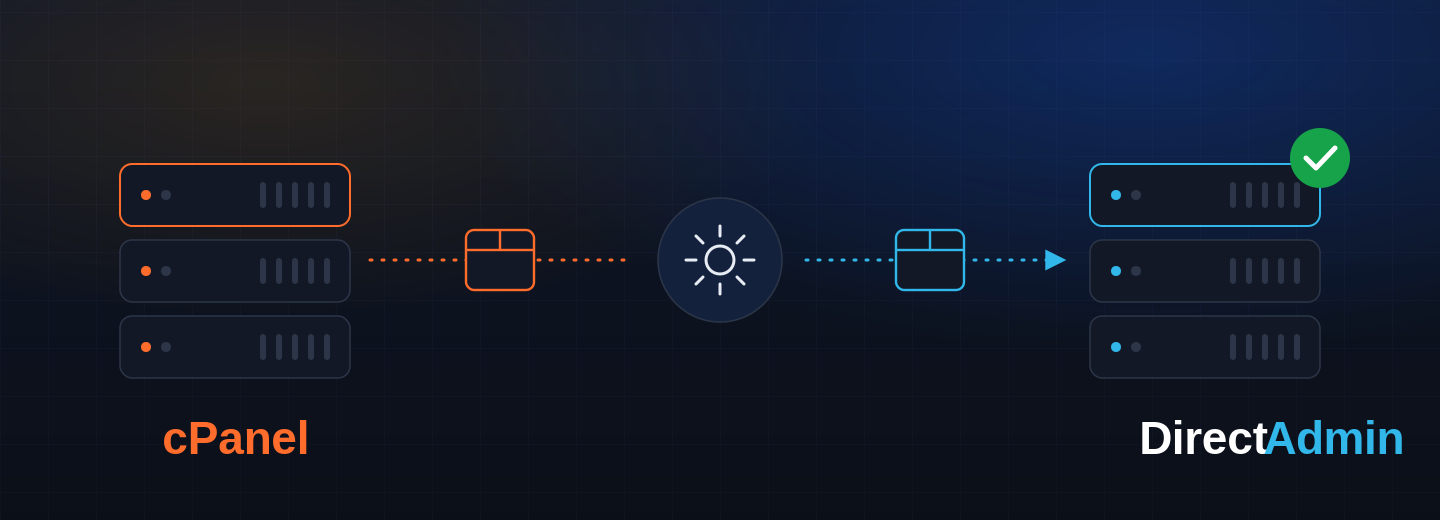
The replica, S3 and Object Lock use the same destination code on cPanel and DirectAdmin.
Does a recovered server overwrite my backups?
No. After recovering from the cloud, the destinations come back read-only, so nothing is written over the backup before the admin decides.