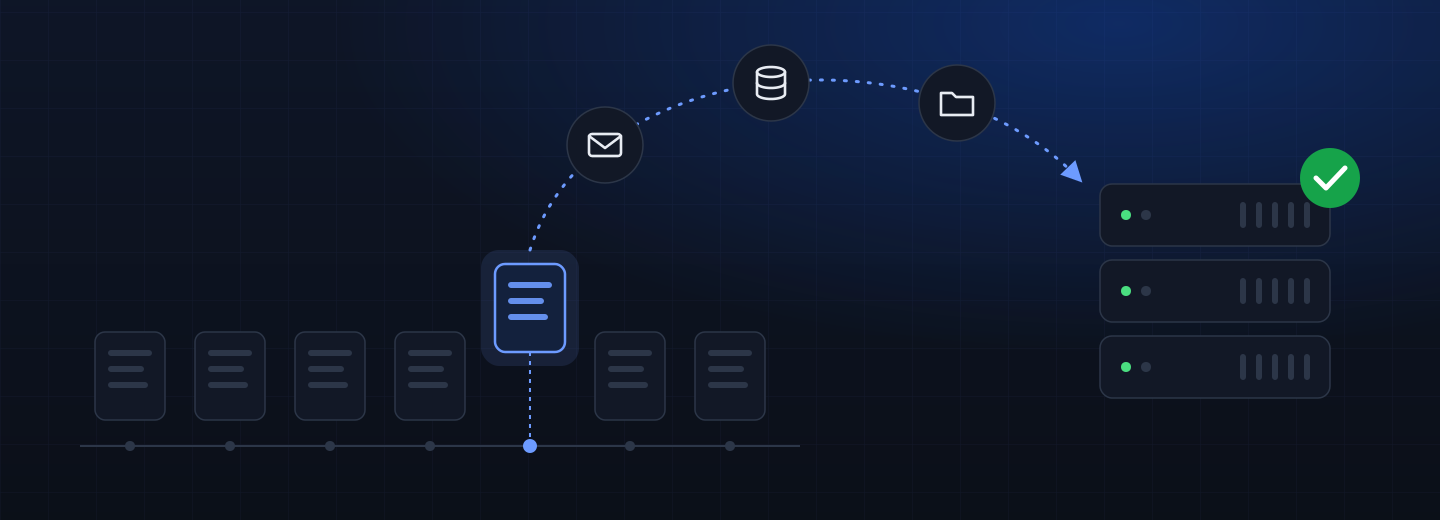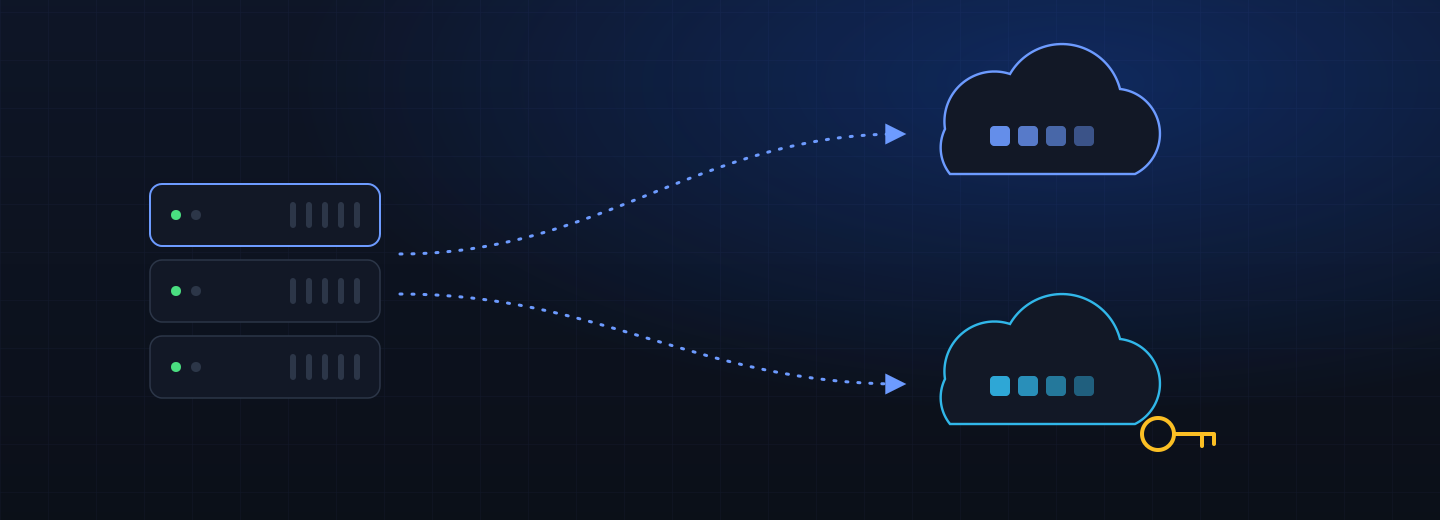

Short answer: account backups bring back sites, databases and email, but not the years of tuning in the server itself: the Exim settings, the PHP limits, the firewall rules, the WHM options. Salvo now has a backup job for the server configuration that works by service. It detects what the server runs (Exim, Dovecot, FTP, SSH, Apache, LiteSpeed or Nginx, PHP, MySQL or MariaDB, DNS, CSF, cPHulk, ModSecurity and the panel's own options), saves each one through the panel's official tools and keeps a history of what changed, line by line. Restoring a service with one button, with a test and an automatic undo, is the next step: it is planned and not ready yet.
The part of the server nobody remembers until it's gone
"The server died, the accounts are back, but the email is bouncing." "We moved to a new machine and nobody remembers which PHP limits we had raised." "Someone changed the firewall last week and now nothing connects."
Every hosting server carries years of small adjustments that live outside the accounts. When the server has to be rebuilt, or when one setting breaks, the admin compares by hand, from memory or from old notes.
What already exists, and where it stops
- cPanel saves system files with the "Back up System Files" option. Its own documentation says there is no interface to restore them: the restore is manual.
- cPanel's cpconftool saves and restores some modules (Exim, Apache, MySQL, cPHulk, ModSecurity, the WHM settings and a few more), tests the configuration and undoes it if the test fails. It is a good tool, but it runs only on the command line, with no schedule, no retention, no remote storage and no history.
- DirectAdmin's System Backup saves service configuration, but its documentation says it has no one-click restore.
- JetBackup 5 can save configuration files through a job of server folders, and its documentation suggests a list of paths for cPanel and for DirectAdmin. It also has a whole-server image backup. According to that same documentation, a restored folder comes back under another name beside the original (
/etcbecomes/etc.jetbackup.xxxx), and the administrator is responsible for completing the restore by hand. In the JetBackup documentation we read on Oct 30, 2026, we did not find a backup by service, a restore of one service with a test and an automatic undo, or a history of what changed between backups.
In short: the files are saved in several places. The restore is manual in all of them.
How Salvo does it: by service, not by folder
- It detects what the server runs. Each service only shows up if it is installed and running. The admin turns on what to keep: email, web server, PHP, FTP, SSH, database, DNS, firewall and protection, the panel's options and the root's scheduled tasks.
- It saves the source, not what the panel generates. On cPanel, files like
exim.confandhttpd.confare rebuilt by the panel from other files; on DirectAdmin, almost everything in/etcis rebuilt by CustomBuild. Restoring the generated file is useless, because the panel overwrites it, or dangerous. Salvo saves what the panel reads. - It uses the panel's official way. On cPanel, the cpconftool modules, wherever there is one. On DirectAdmin, the CustomBuild options and custom files.
- It shows what changed. Each version keeps the history of every service, line by line: the PHP memory limit that went up, the IP that entered the firewall, the Exim setting that changed, and in which version.
- It knows what belongs to this server only. IPs, hostname, license, the hostname's certificate and the DNS cluster appear in the inventory, with history, but with no restore button: copied to another server, they break it.
- Secrets stay secret. Files with passwords are encrypted in the backup like everything else, marked "contains a password", and never go to the log or the Audit log. Some, like WHM API tokens and the SSH host keys, are not saved at all.
What we measured, on two test servers
We ran the backup only (no restore yet) on two test servers, one of each panel:
| Server | Services saved | Files | Time per version | Storage |
|---|---|---|---|---|
| cPanel 138, AlmaLinux 9 | 16 | 949 | about 1 minute | remote |
| DirectAdmin 1.711, AlmaLinux 8 | 15 | 741 | about 10 s | local |
On cPanel: the WHM options, Apache with EasyApache 4, LiteSpeed, ModSecurity, PHP, Exim, Dovecot, FTP, MySQL or MariaDB, DNS, cPHulk, AutoSSL, SSH, CSF, the root's scheduled tasks and the inventory. On DirectAdmin: the panel options, CustomBuild, LiteSpeed, PHP, Exim, Dovecot, Rspamd and SpamAssassin, FTP, MySQL, DNS, ModSecurity, SSH, CSF, the root's scheduled tasks and the inventory.
Two versions in a row with no real change show 0 changes. That took work: some files change by themselves (.bak copies, the point where a log was last read) and would fill the history with noise, so Salvo leaves them out.
What comes next: restore a service with one button (planned)
The plan, which will be tested before it goes out: the admin picks a service and a version, sees the difference against today, and clicks restore. Salvo saves the current configuration first, applies the old one through the panel's own way, tests it, restarts the service and, if the test fails, goes back to what was there by itself.
- Account backups bring back sites, databases and email, but not the tuning in the server itself.
- The configuration files are saved in several places today, but the restore is manual in all of them.
- Salvo saves the configuration by service, through the panel's official way, on cPanel and on DirectAdmin.
- Each version shows what changed, line by line; two versions in a row with no real change show 0 changes.
- Restoring a service with one button, with a test and an automatic undo, is planned and not ready yet.
What runs today, and what is still coming
- In testing: the backup of the server configuration by service, with the history of changes, on cPanel and on DirectAdmin. It already runs on the two test servers above; the restore is not in it yet.
- Planned: restoring a service with one button, with a test and an automatic undo.
Frequently asked questions
How do I back up the server configuration on cPanel?
cPanel saves system files with the "Back up System Files" option, and cpconftool saves some modules on the command line, with no schedule, no retention, no remote storage and no history. In Salvo, a backup job for the server configuration detects the services the server runs, saves each one through the panel's official tools and keeps a history of what changed, line by line.
Does a cPanel backup and restore to another server bring the server configuration along?
Account backups bring back sites, databases and email, but not the tuning in the server itself: the Exim settings, the PHP limits, the firewall rules, the WHM options. Salvo saves that part by service. What belongs to one server only (IPs, hostname, license, the hostname's certificate and the DNS cluster) appears in the inventory with no restore button: copied to another server, they break it.
Does the DirectAdmin backup keep the server configuration?
DirectAdmin's System Backup saves service configuration, but its documentation says it has no one-click restore. On DirectAdmin, Salvo saves the CustomBuild options and custom files, service by service, with the history of every change.
Does JetBackup on DirectAdmin back up the configuration by service?
In the JetBackup documentation we read on Oct 30, 2026, we did not find a backup by service or a history of what changed between backups. In Salvo, the server configuration backup works by service, on cPanel and on DirectAdmin, and each version shows what changed, line by line.