Sometimes the admin doesn't want to roll anything back on the server: they want the file. Can Salvo take a database, a folder, one file or the whole account out of a backup point without writing anything to the account, and does the file come out right?
Why it matters to whoever runs the server
- Often the customer doesn't want anything rolled back on the server: they want the file. The database for a developer to import on another machine, a folder to send by email, the whole account to take to another cPanel. Restoring over the live account just to get a copy puts what is online at risk.See:Lab 20Lab 22
- Downloading only reads the backup point: the account, the databases and the mailboxes stay as they are. So it can be done at any time, with the site online, and with no fear of overwriting today's work.See:Lab 28
- The whole account comes out as a cPanel package, ready to restore on another server, including a DirectAdmin one through DirectAdmin's official converter.See:Lab 29
| Case | File | Time | Check |
|---|---|---|---|
| A WordPress site's database, whole, as .sql.gz | 4.9 MB (21 MB in the point) | 4.8 s | compressed file intact; 76 tables in the file, the same 76 as the database on the server |
| A site folder as .zip | 1.1 MB | 6 s | 2,839 entries in the .zip |
| A single file (.htaccess) as .tar.gz | 490 bytes | 3 s | the file, with the account's owner and permissions |
| The whole home of a small account as .tar.gz | 41 KB (1.6 MB in the point) | 2 s | 69 entries |
| The whole account as a cPanel package, small account | 49 KB | 4 s | 153 entries: configuration, DNS zone, email and home |
| The whole account as a cPanel package, 1.9 GB and 2 databases | 1.5 GB | 3:00m | the home's 56,704 files and the 2 databases, ready to restore on cPanel |
On the Salvo screen
Method
A cPanel server in production, with 75 customer accounts and daily backups to an SFTP destination.
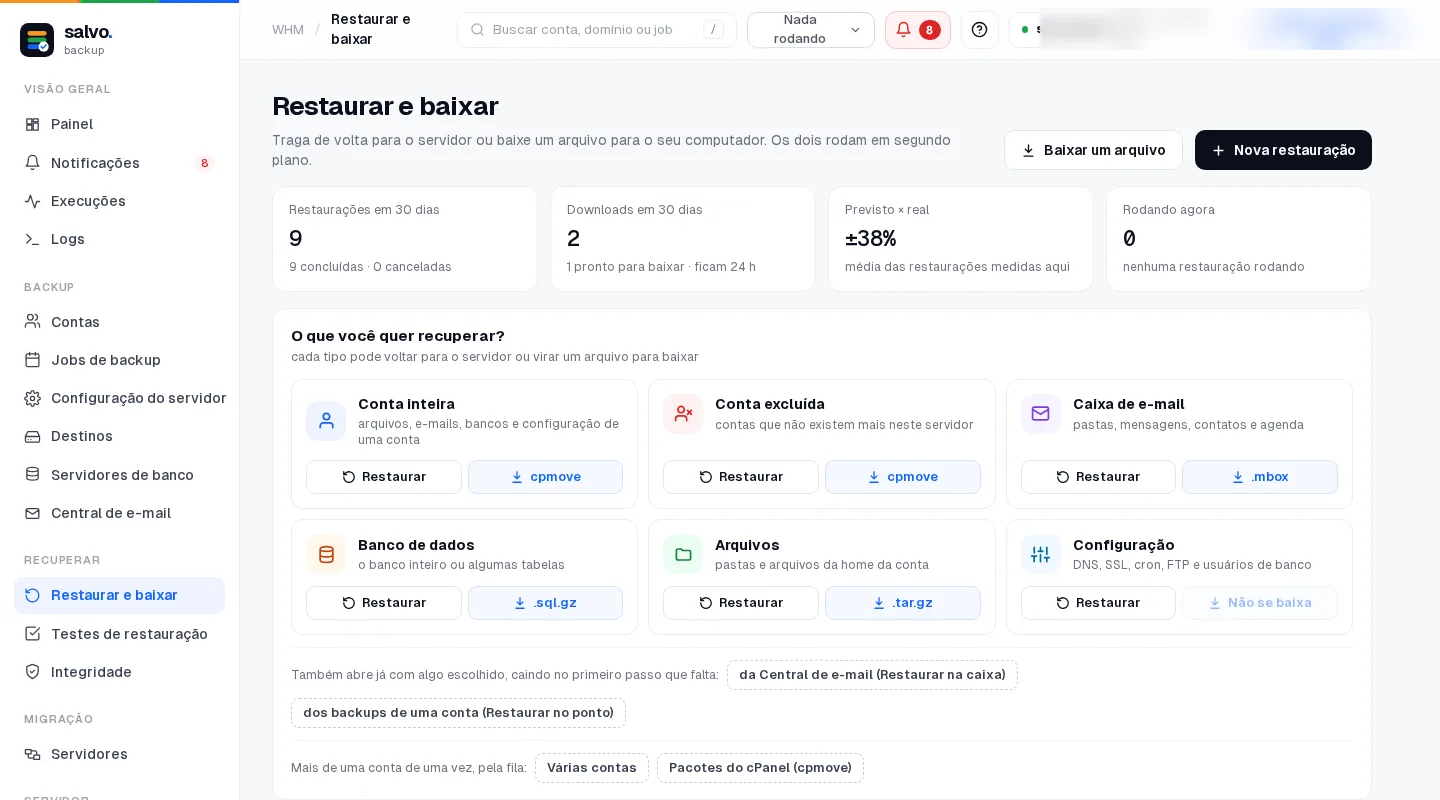
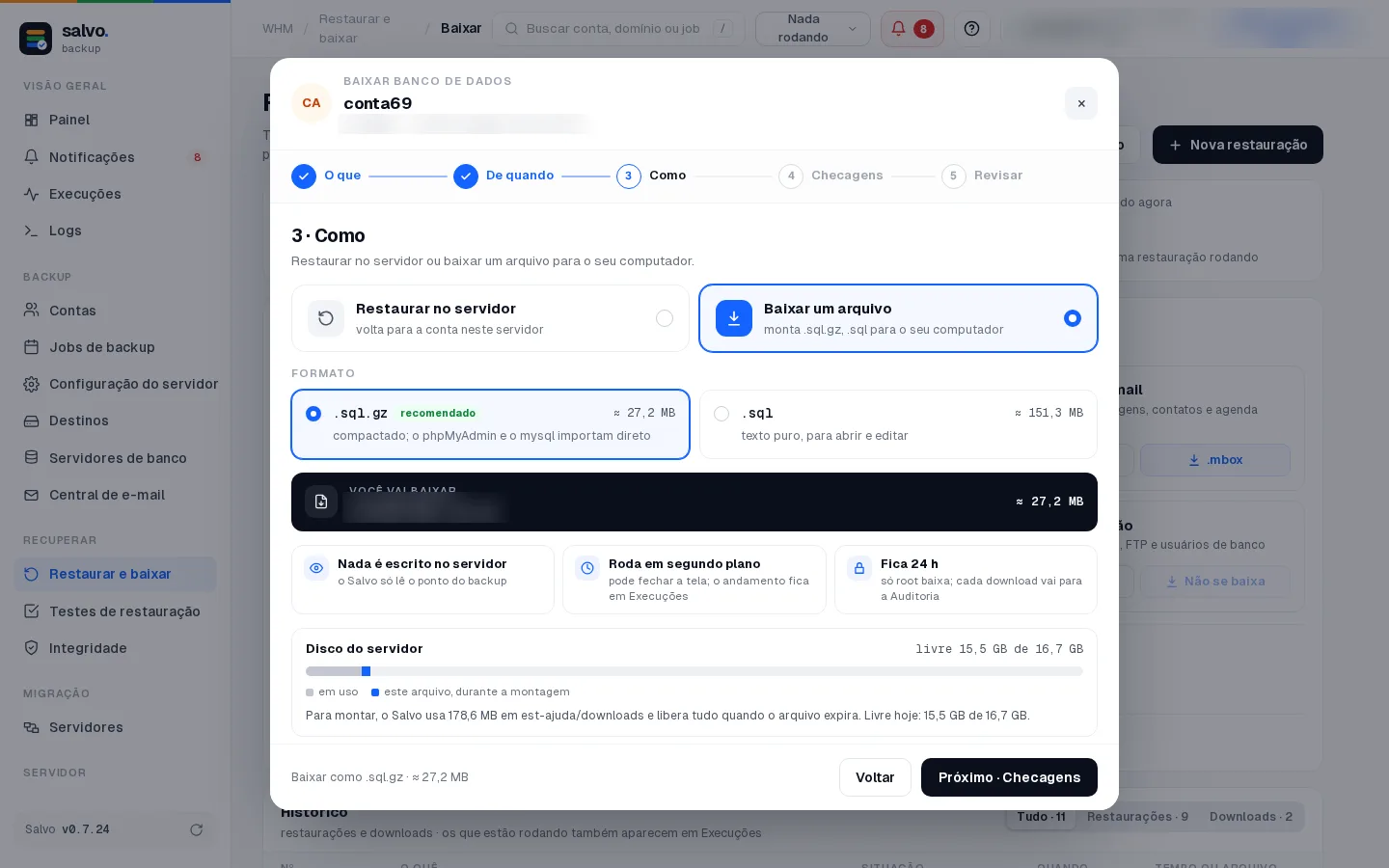
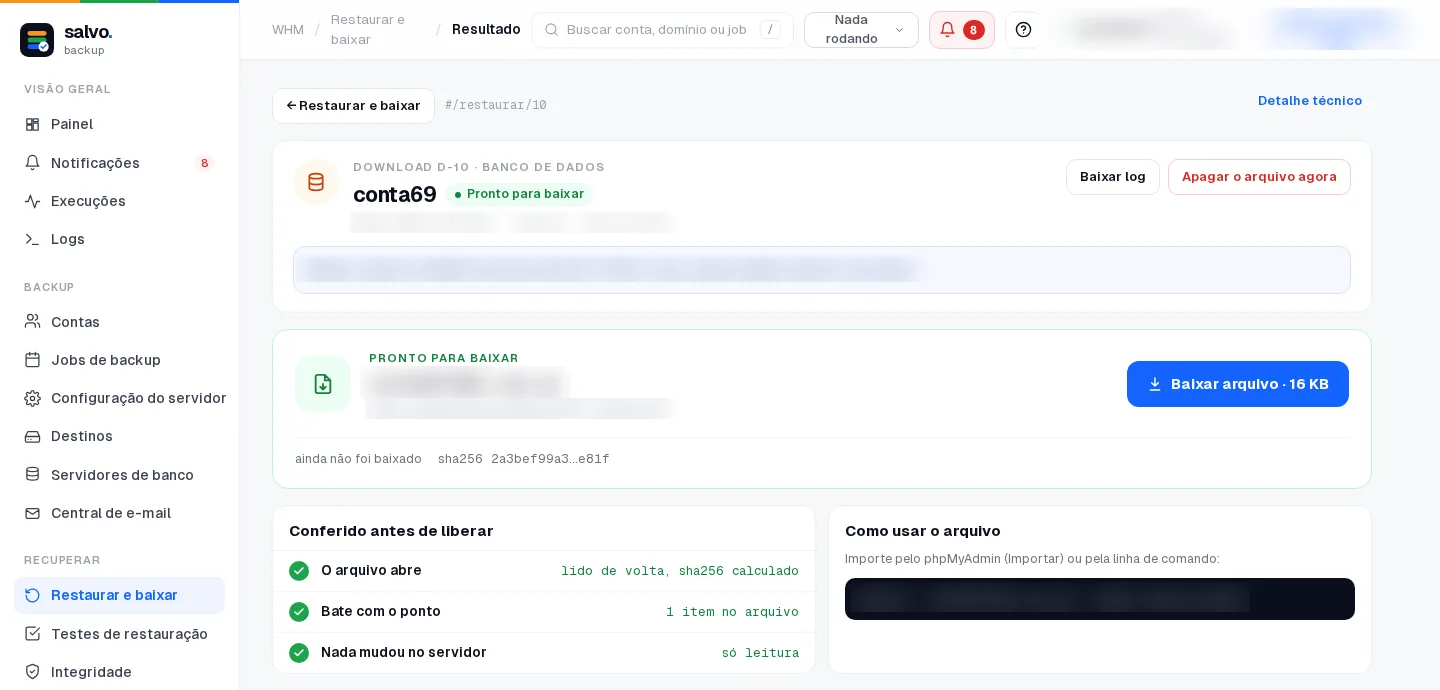
Each case asked Salvo for a file from a backup point, through the same path as the Restore and download › Download a file screen. Salvo reads the point, builds the file in the background in a root-only folder, computes its checksum and keeps the file available for 24 hours.
Then each file was opened and checked. Nothing was restored.
We also asked on purpose for things that should fail. A database that doesn't exist in the point was refused right away: "the database is not in this backup". Asking for a .zip of a database was refused before starting: "the database format is .sql.gz or .sql". And an old point whose files had been deleted by hand on the storage was flagged at the check, instead of failing halfway.
What Salvo does differently
Downloading and restoring are different things. Downloading only reads the backup point and builds the file apart, in a root-only folder: the account, the databases and the mailboxes stay as they are. The file stays 24 hours on the server and is then deleted by itself; the point stays stored and can be built again. Only root downloads, and every download is logged.